Open Relay settings
On this page
Relay settings is where you sign in, join or create a Relay Server, share folders, and manage who has access.
On desktop
- Command palette: press Cmd+P on macOS or Ctrl+P on Windows and Linux, then run Relay: Open settings.
- Ribbon: click the Relay icon in the far-left ribbon.
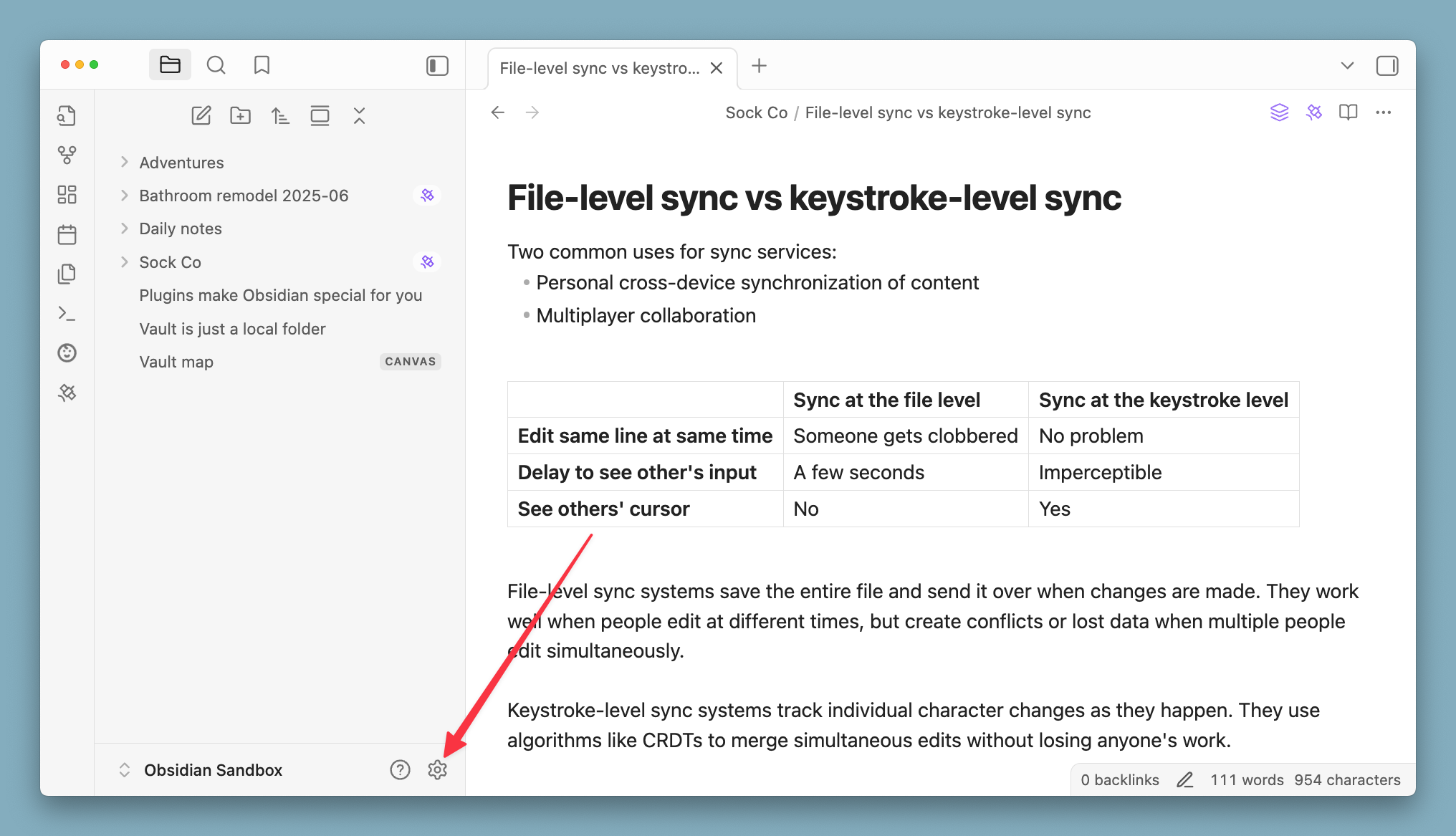
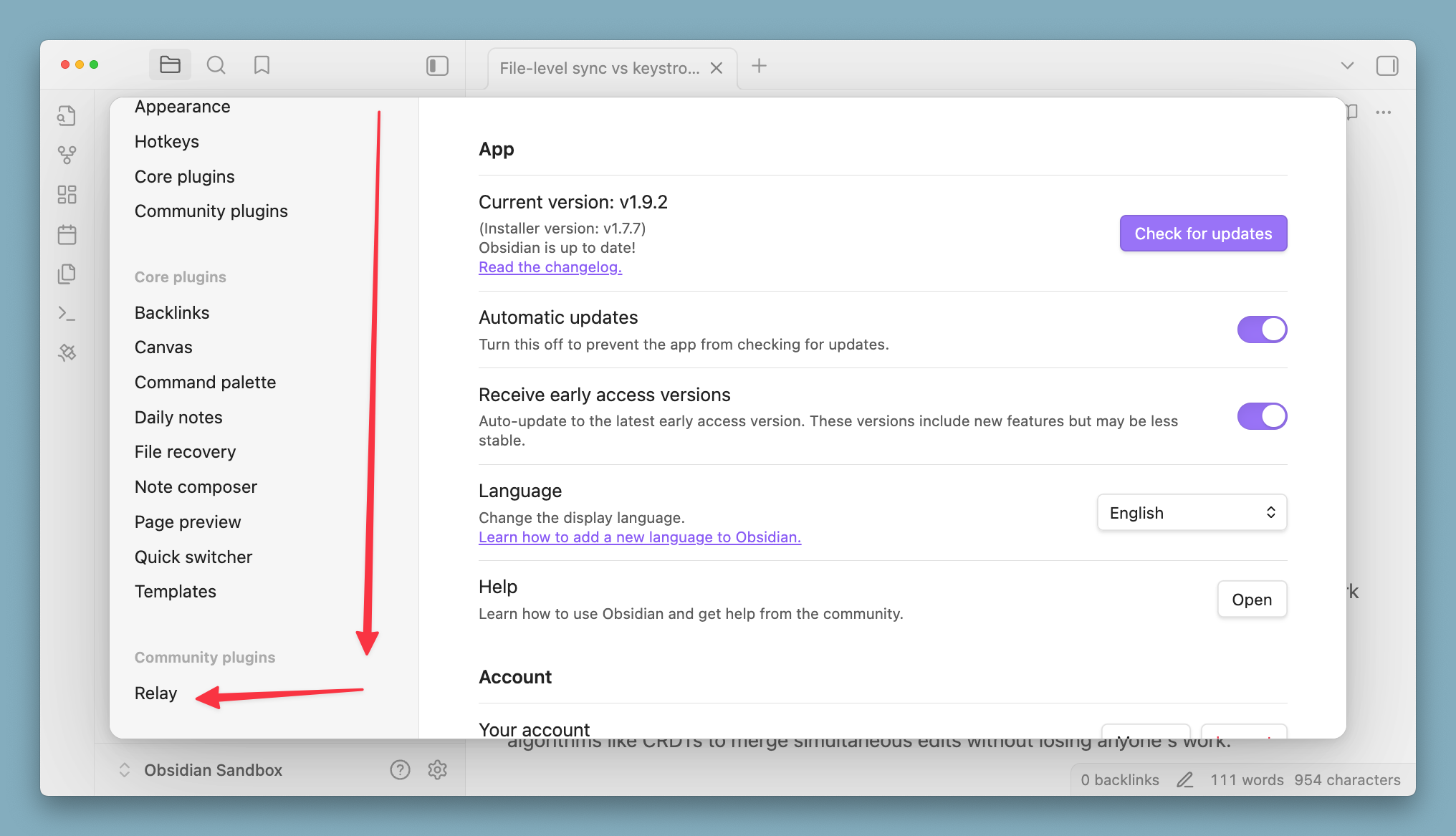
- Settings: click the Settings gear at the bottom of the left sidebar, then select Relay under Community plugins.
On mobile
- Command palette: pull down from the top of the app to open the command palette, then run Relay: Open settings. Pulling down runs Obsidian's quick action, which opens the command palette unless you've changed it.
- Menu: when you're not editing a note, tap the menu at the bottom-right of the navigation bar. Ribbon actions, including Relay, appear there.
- Settings: open the left sidebar, tap Settings, then select Relay under Community plugins.
If Relay isn't listed under Community plugins, or Relay: Open settings isn't in the command palette, Relay isn't installed or enabled. Install and enable Relay from Obsidian's Community plugins first.