Comment on a Canvas
On this page
Use Relay Comments to discuss a Canvas node, a position in the layout, or selected text inside a card.
Before you start
Install Relay Comments and open a Canvas.
Comment on a node
To comment on a node, follow these steps:
- Open the Canvas and open a node's context menu.
- Choose Add comment.
- Enter your comment in Comment…, then select Comment.
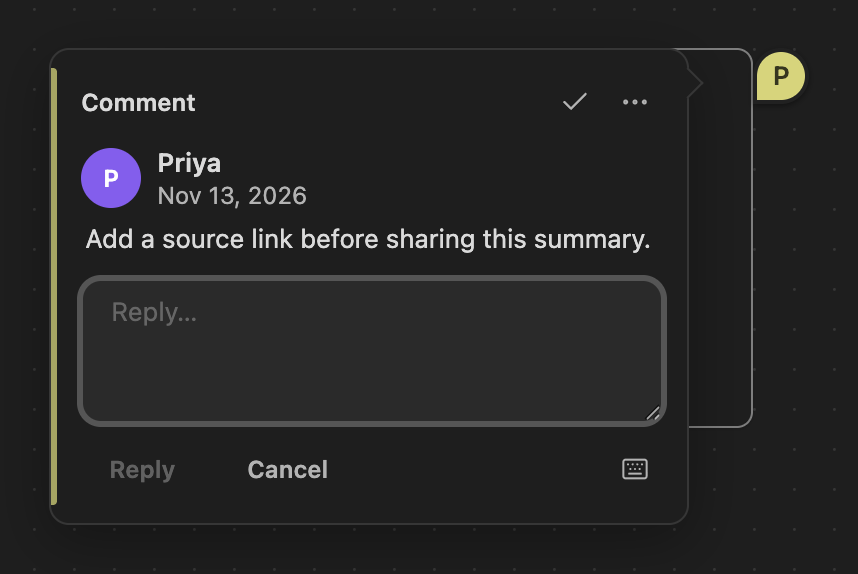
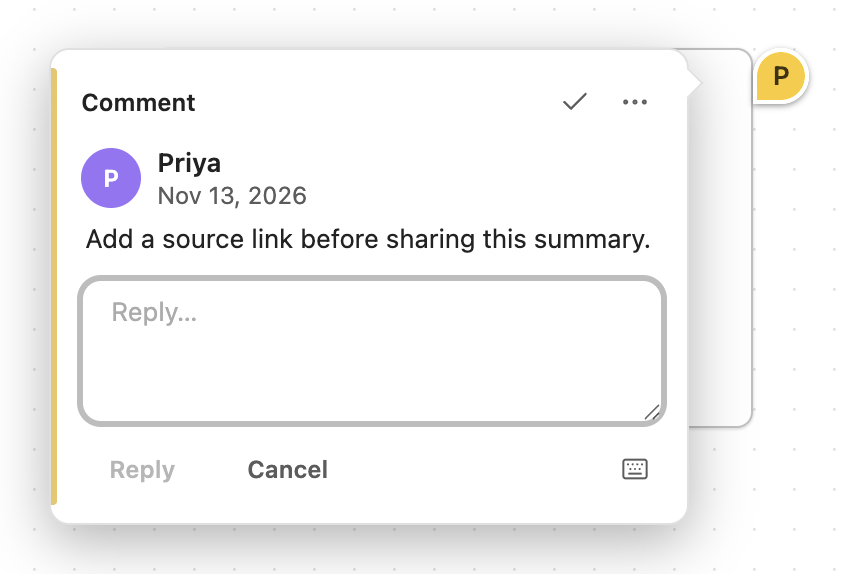
To place a pin in the Canvas layout, follow these steps:
- With the Canvas open, run Add comment to canvas (click to place) from the command palette.
- Click or tap the position for the pin.
- Enter your comment in Comment…, then select Comment.
To comment on selected text inside an embedded note or native text card, select the passage and choose Add comment from the context menu. Comments in native text cards stay in the card's Markdown text as CriticMarkup.
Use the comment shortcut
To add a comment to selected text, press Command+Option+M on macOS or Ctrl+Alt+M on Windows and Linux. The shortcut also works for selected text inside Canvas notes and native text cards. On a Canvas without a focused text editor, Add comment starts pin placement.
For discussion in Markdown notes, see Comment on a note.