Suggest edits
On this page
Use Relay Comments to propose a replacement, addition, or deletion for review. Suggested edits stay in the Markdown file.
Before you start
Install Relay Comments and open a Markdown note in Live Preview. To change review items, you need write access to the note.
Suggest an edit
To propose a replacement, use the substitution command:
- In Live Preview, select the text you want to replace.
- From the command palette, run Mark selection as substitution.
- In Replacement text, enter the proposed text.
- Select Insert substitution.
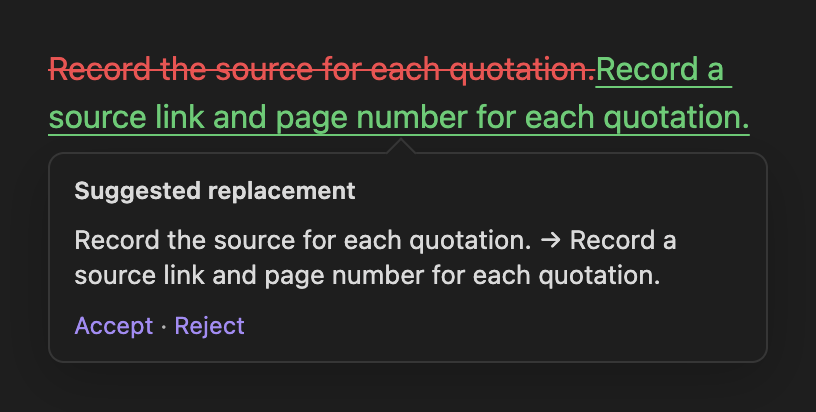
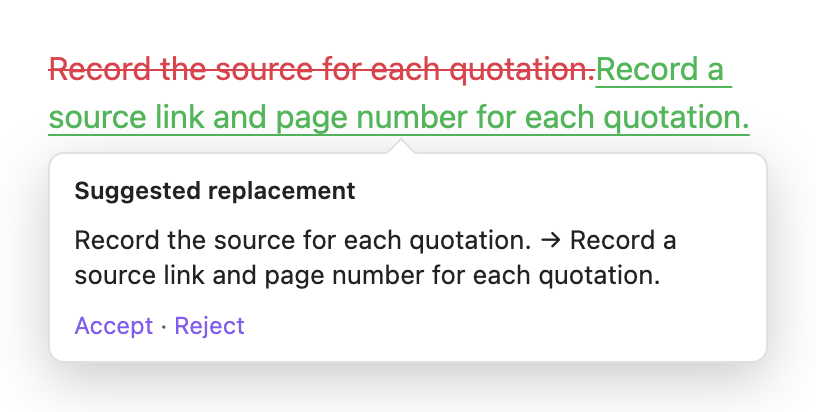
The replacement appears as a suggestion for review.
To propose an addition, type and select the proposed text, then run Mark selection as addition. To propose a deletion, select the text to remove, then run Mark selection as deletion.
Accept or reject a suggestion
For a suggestion without an attached discussion, hover over it in your note, then select Accept or Reject. A suggestion with an attached discussion shows Reply and Resolve in its hover preview; use the sidebar’s More actions menu to accept or reject it.
To accept from the sidebar:
- From the command palette, run Open review sidebar.
- Hover over the suggestion you want to accept.
- Select the card’s ✓ (Resolve) button. If the suggestion has an attached discussion, this resolves the discussion first; select ✓ again to accept the suggestion.
To reject from the sidebar, open the suggestion’s More actions menu and choose Reject suggestion. The menu also includes Accept suggestion.
Accepting a replacement leaves the proposed text in the note; rejecting it leaves the original text. Accepting an addition keeps the added text, and accepting a deletion removes the marked text. Rejecting either leaves the note without that proposed change.
To accept all review markup in the note at once, run Accept all comments and suggestions. This also removes comments and highlight markup, so finish the discussions you need before using it.