Install Relay Comments
On this page
Relay Comments adds comment threads and suggested edits to your notes. Install the plugin from Obsidian’s community directory, enable it, and open the review sidebar.
Before you start
You need Obsidian 1.7.2 or later. Relay Comments supports desktop and mobile.
Install the plugin
- In Obsidian, open Settings → Community plugins.
- If Restricted mode is on, select Turn on community plugins.
- Select Browse, then search for
Relay Comments. - Select Relay Comments, then select Install.
- When installation finishes, select Enable.
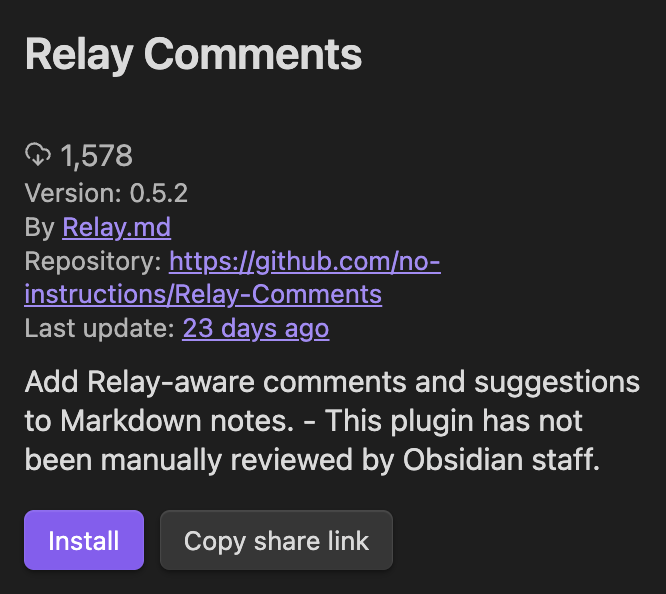
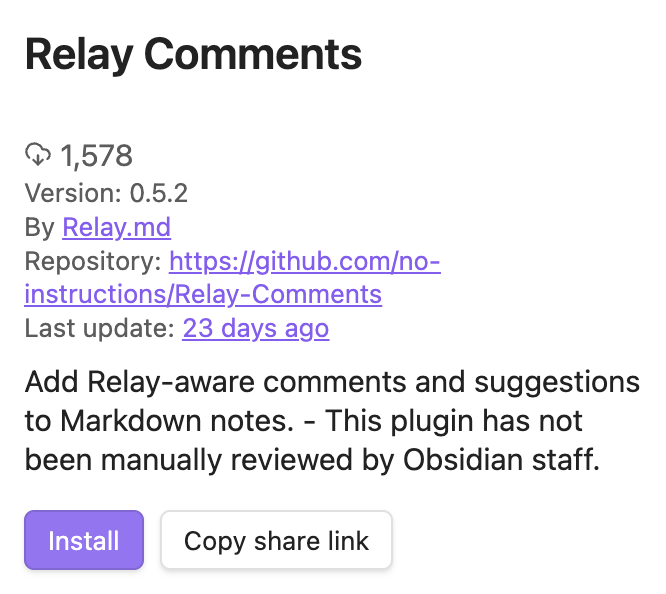
You can also open the Relay Comments entry in the community plugin catalog.
Check the installation
- Open a Markdown note.
- Open the command palette. On macOS, press Command+P. On Windows or Linux, press Ctrl+P.
- Type
Open review sidebarand select Relay Comments: Open review sidebar.
The sidebar lists the note's review items.
Use it with Relay
To review notes with other people as they write, put the notes in a Shared Folder. For the steps, see Share a folder. Relay Comments also works in notes you keep to yourself.
Start a discussion
To discuss a passage, see Comment on a note.